CLAUDE.md starts small: the test command, the folder layout, a few rules. Then it collects everything else. Last month's decisions, what shipped this week, the next three tasks. Claude Code reads the whole file at the start of every session, and Anthropic's own guidance is to keep each CLAUDE.md under 200 lines, because longer files use more context and Claude follows them less reliably.
The fix is to keep CLAUDE.md for rules and move the project's changing state somewhere Claude Code looks up when it needs it. The example is a fictional invoice export feature.
Decide what belongs where
| Where | How it works | Good for |
|---|---|---|
| CLAUDE.md | You write it. It loads in full every session, for anyone with the repository. | Commands, conventions, folder layout |
| Auto memory | Claude Code writes it. The first 200 lines or 25 KB of MEMORY.md load, on this computer only. | Corrections and preferences Claude picks up |
| Project notes over MCP | You and every assistant you connect write them. A note loads when the assistant reads it, on any device you connect. | Decisions, progress and open tasks |
Splitting CLAUDE.md with @path imports does not help with size. An imported file loads together with the CLAUDE.md that imports it, so it costs the same context.
Move decisions out of CLAUDE.md
A decision log in CLAUDE.md grows every week and is read in full every session, even when today's task has nothing to do with it. Put decisions in a project note instead, newest first, each with its reason.
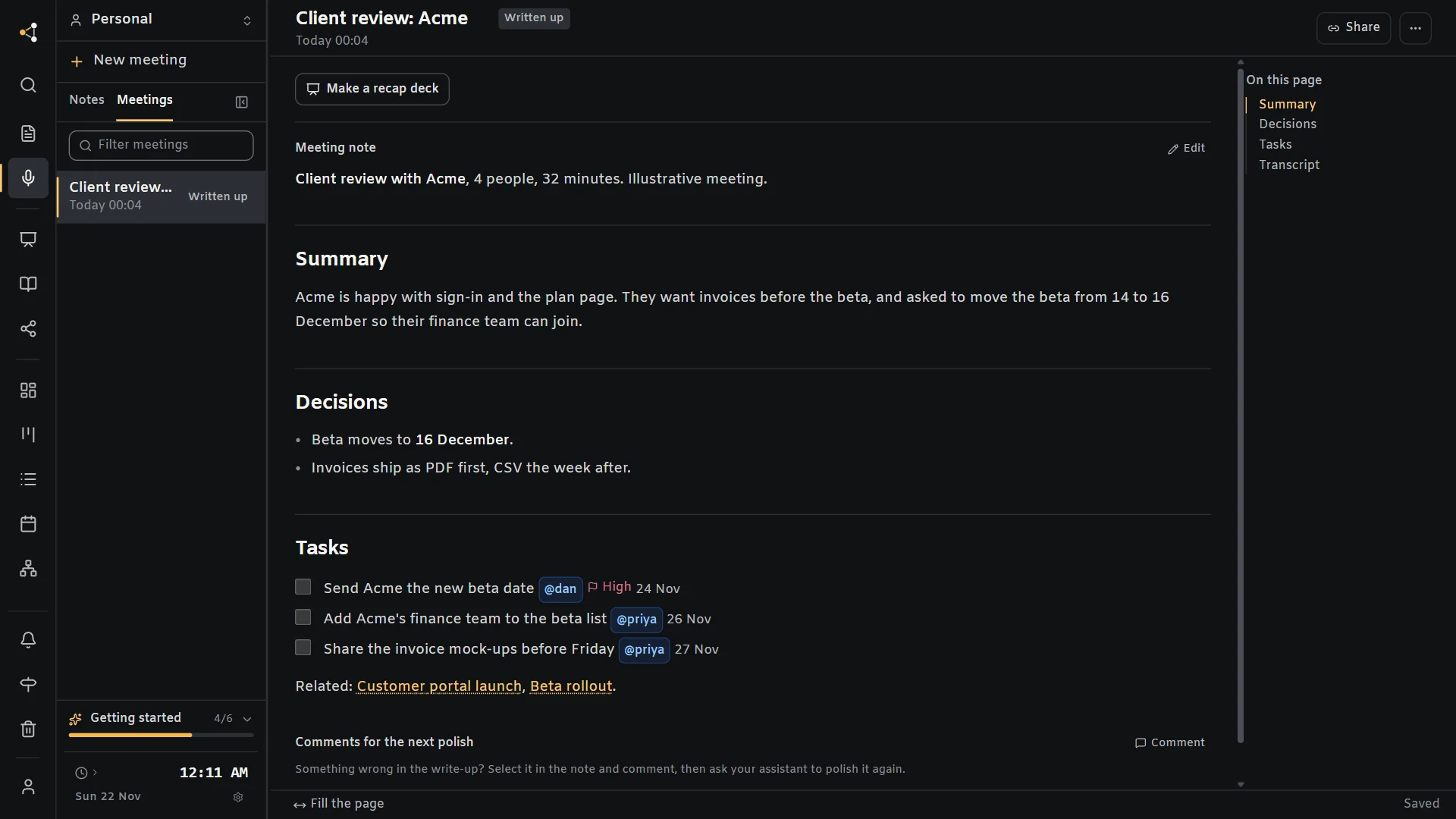
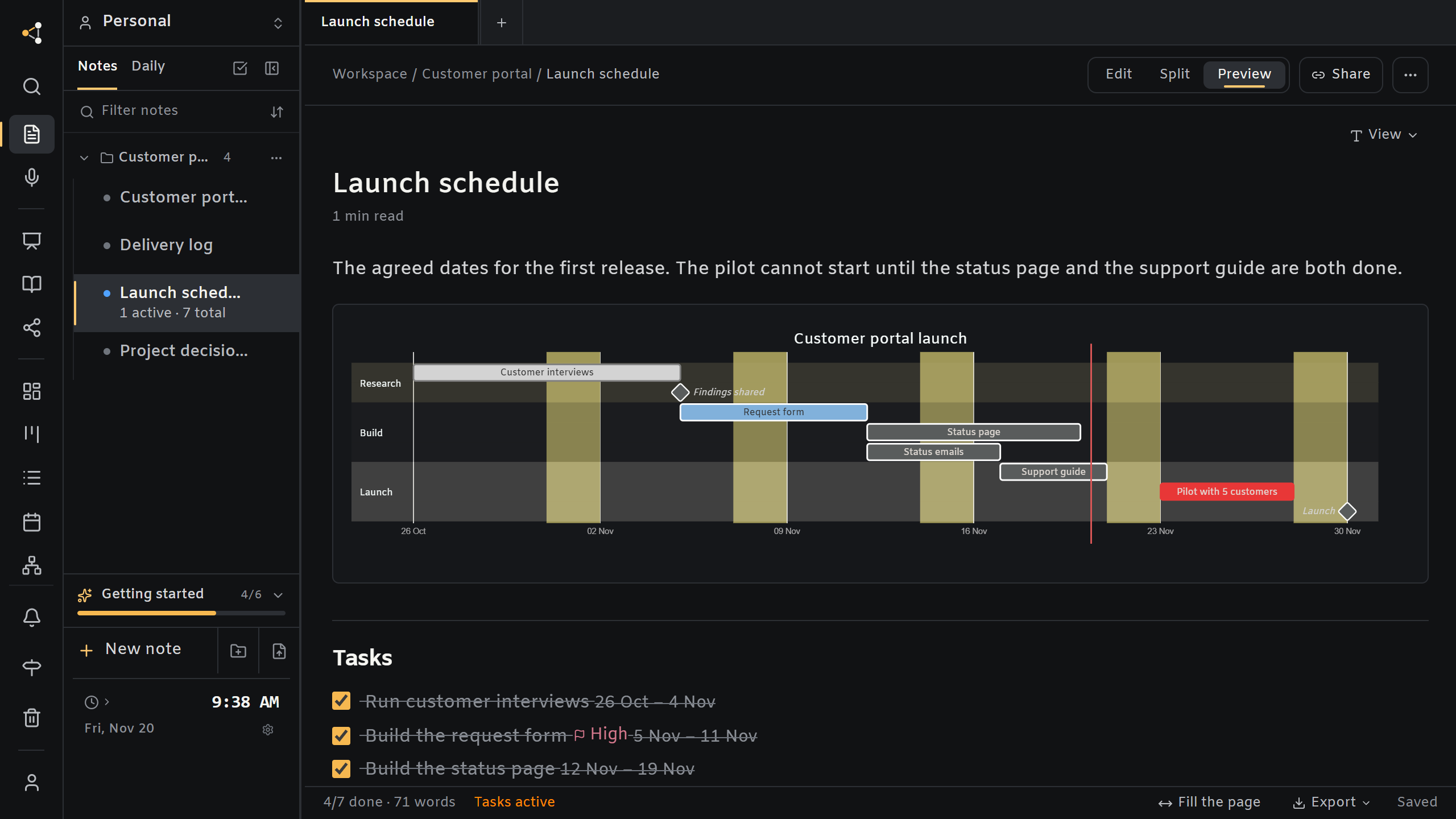
In Knotpad the note sits beside the project's tasks. Claude Code starts from an overview of the workspace that ranks notes against what you asked, and opens the decisions note when the work touches it.
Let each session write down what it did
Auto memory helps, but it stays on one computer and Claude decides what goes in. A delivery log is written on purpose: what changed, what was checked and what is still open. Ask for an entry at the end of every session.
Because the log lives in Knotpad rather than in the repository, ChatGPT or Cursor can read it and add entries of their own. By default an assistant can add to a note but cannot rewrite what is already there.
Point CLAUDE.md at the project
Keep one short section in CLAUDE.md that says where the state lives:
## Project state
Decisions, progress and open tasks are in Knotpad, folder "Invoice export".
At the start of a session, read the Knotpad overview and the latest delivery log entry.
Before you stop, add a dated entry to the delivery log and update the tasks you worked on.
Then connect Claude Code once. On Windows, the free Knotpad app gives you a setup prompt in Settings, AI assistants: paste it into Claude Code, restart it when it asks, and click Allow.
On a Mac or Linux, Personal Pro adds the cloud server:
claude mcp add --transport http --scope user knotpad-cloud https://knotpad.app/mcp
What this does not do
- It does not shrink CLAUDE.md for you. You decide what moves out.
- An instruction is not a guarantee. CLAUDE.md is context, not configuration, so Claude Code reads the project because you asked it to.
- Moved notes are not always in context. Rules Claude Code must follow every time, such as how to run the tests, stay in CLAUDE.md.
- The cloud server is part of Pro. The Windows app's local server is free.
Compare the memory options for ChatGPT and Claude, or download Knotpad and move your first decision out of CLAUDE.md.