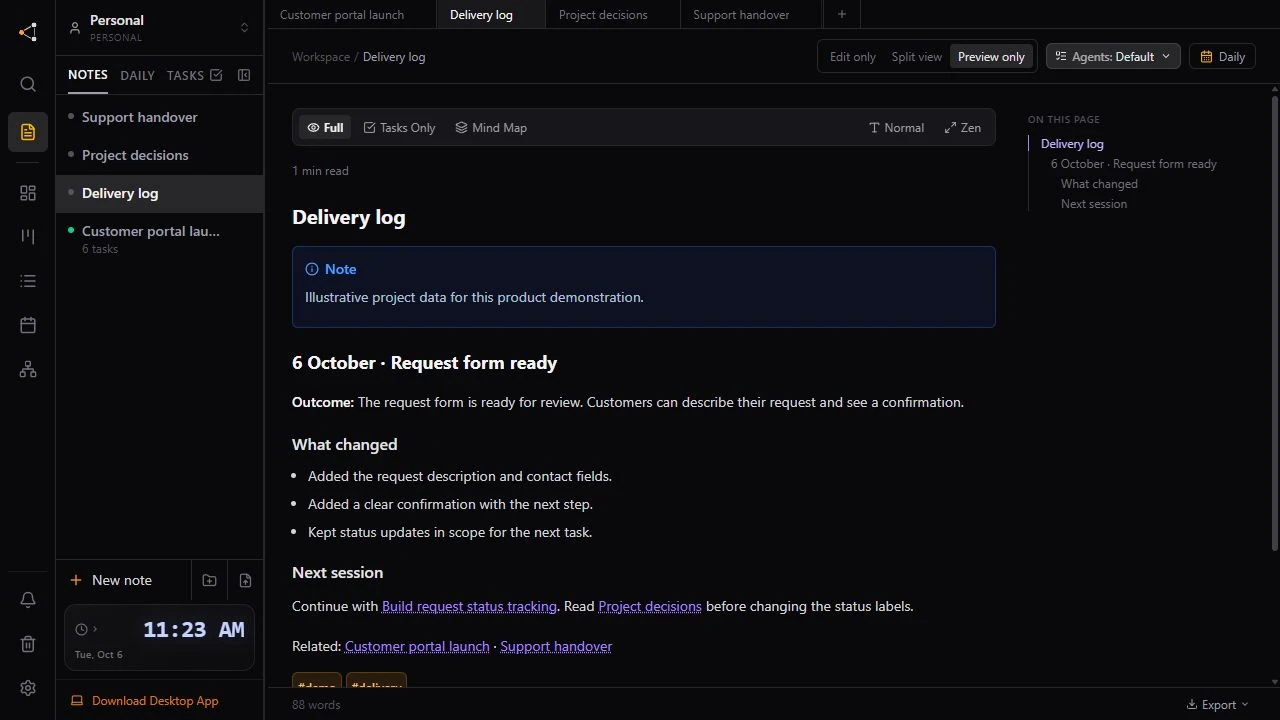
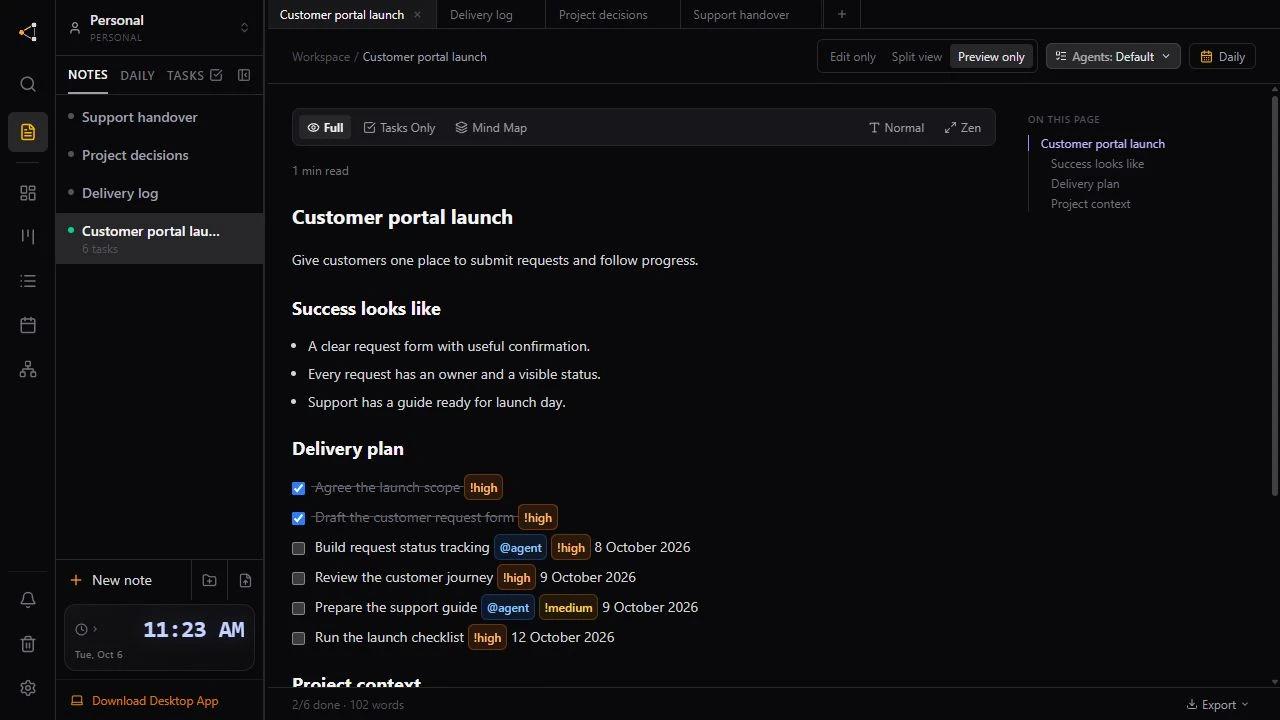
A new assistant session needs the project state, not just a summary of the last conversation. Keep the brief, completed work, decisions, and next steps in a shared project workspace so the next connected assistant has something concrete to read.
Knotpad holds those notes alongside tracked tasks. Your assistant's private chat stays in its own application. A handover works when the previous session records useful context and the next assistant reads it.
Record the outcome before leaving
At the end of a session, ask your connected assistant to update the tasks it worked on and append a delivery entry. Include what changed, what was checked, what remains open, and links to relevant project notes. Keep uncertainty visible rather than marking incomplete work done.
For example, use this instruction:
Update the tasks you worked on. Append a delivery-log entry with the outcome, checks performed, unresolved questions, and next steps. Preserve the existing brief and decisions.
Only request a check that the assistant can actually perform. An unverified result should be recorded as unverified.
Give the next assistant a clear starting point
Connect the new client through its supported MCP setup, open the same workspace, and ask it to read the project brief, delivery log, and handover before choosing work. A useful opening instruction is:
Read the project brief, delivery log, and handover. Summarize the current state and open questions. Choose an available task and explain the next step before making changes.
The next assistant can use the saved notes and task state. It cannot recover an unsaved conversation from another service. Local project context remains on that device; access from another device depends on your workspace and sync plan.
Get a second opinion from another AI
You can change assistants to review a plan, not only to continue a task. Save the goal, proposed approach, decisions and open questions in Knotpad. Connect another assistant to the same workspace and ask it to read those notes before reviewing the plan.
Read the notes for this project. Review the plan for our goal, challenge its assumptions and point out any gaps. Append your review and the remaining questions to the project notes before continuing the planning.
Keep the review beside the original plan so either assistant can pick up the updated context. You choose which suggestions to adopt.
For browser assistants such as Claude and ChatGPT, use a compatible connector to Knotpad cloud MCP and sign in with OAuth. Cloud MCP is included in Personal Pro and Team Pro. Connector availability and permissions depend on your AI service. This saves the context you ask the assistant to record; it does not automatically import its private chat.
Make the handover reusable
Use headings for Current state, Decisions, Open questions, References, and Next steps. Link the brief and delivery log rather than duplicating them. The same structure helps a person take over the project too.