Useful project documentation explains what happened and what should happen next. Put the instruction to record results into your working process so the assistant updates the workspace before you close the session.
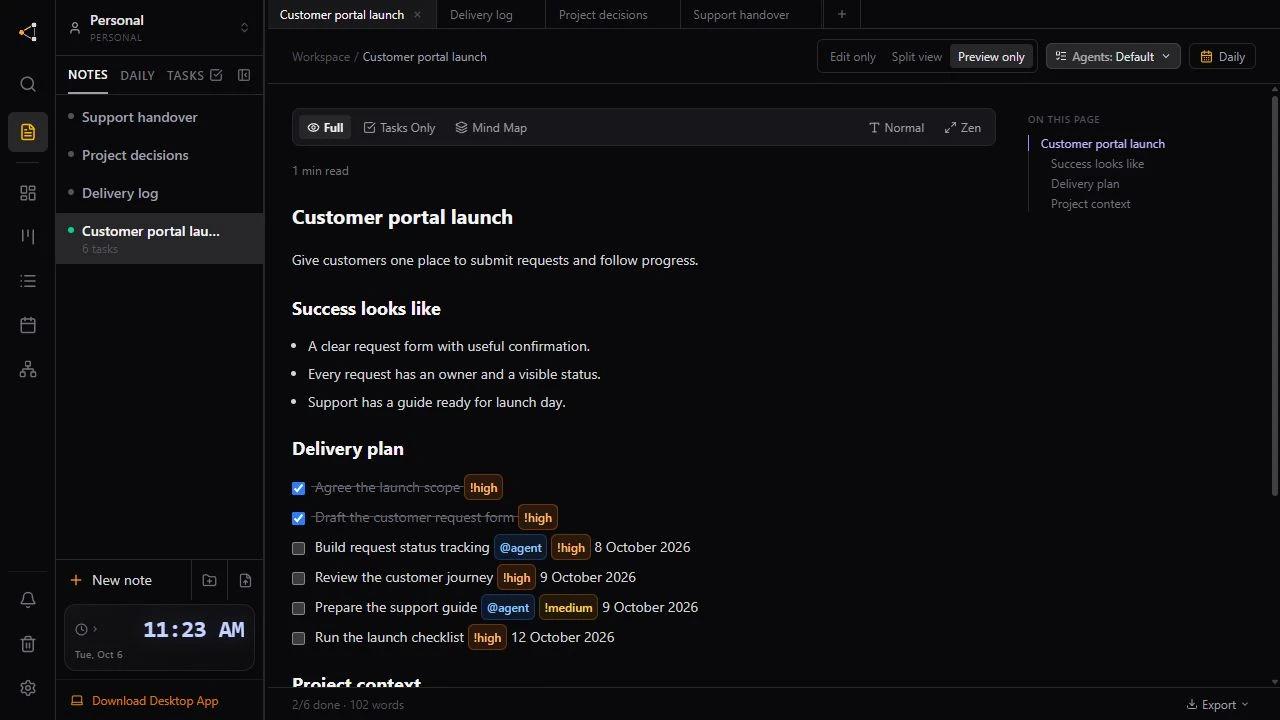
Knotpad keeps Markdown notes and tracked tasks together. A connected assistant can append a result to the delivery log, update task status, and reference the decisions behind its work. This requires the assistant to record the outcome; connecting a client alone does not document every action.
Separate the plan from the result
Keep the project brief as the statement of intent. Put completed-work entries in a delivery log and durable choices in a decisions note. Link these notes from the brief so the next reader can find them.
A short result entry can use this structure:
## Result
What changed and why it matters.

## Checks
What was verified, and what remains unverified.

## Open questions
What still needs a decision or review.

## Next steps
The next useful task and its acceptance conditions.
Ask for an explicit write-back
Finish each piece of work with a clear request:
Update the task status to reflect the actual result. Append the outcome and checks to the delivery log. Record any new decision with its reason and link the relevant project notes.
An assistant should not claim a check passed if it could not run it. When work needs human review, say what to inspect and leave the task in the appropriate state.
Protect the original context
Use per-note agent permissions to control changes. Appending a result is different from rewriting a brief. Do not enable full rewrites simply to record progress; choose permissions that match the work and review significant changes.
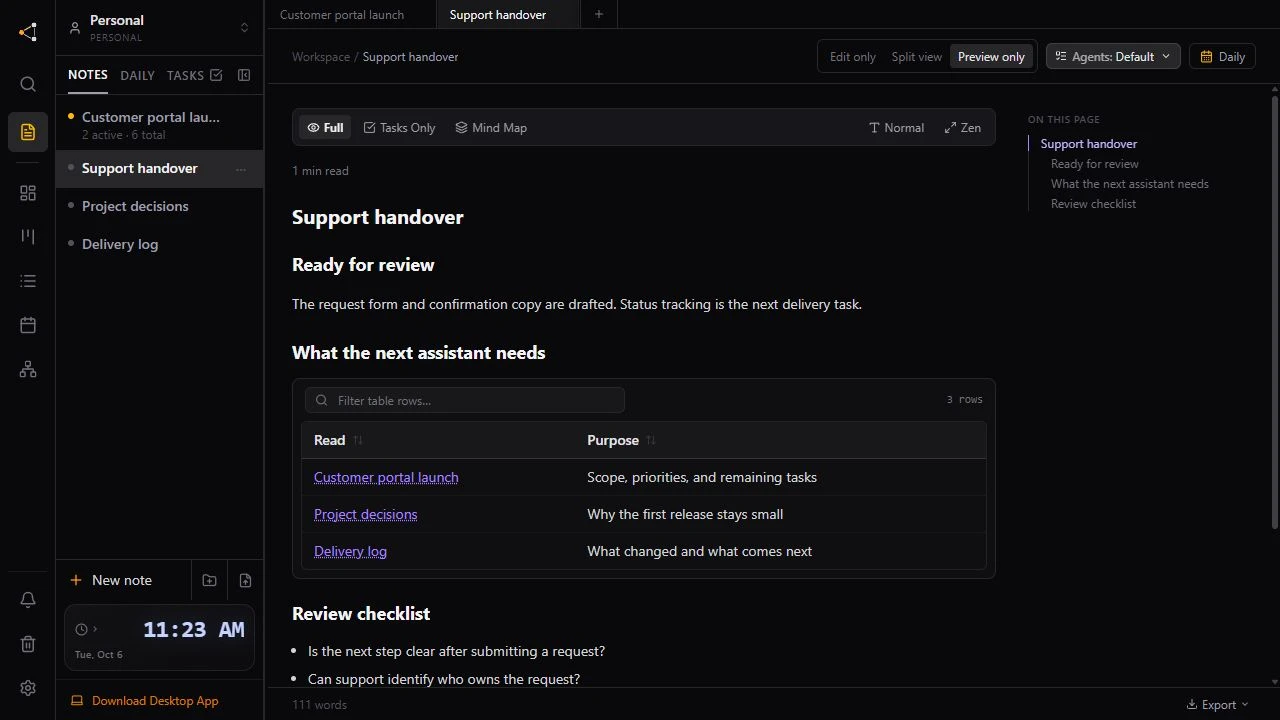
Readable documentation can include decision tables, Mermaid workflows, and handover references. A written diagram describes the project; it is not automatically a live report of task dates or completion.