Write the purpose and success conditions first, then add checkbox tasks underneath. In Knotpad, those checkbox lines become tracked work, so the plan and its tasks stay together.
Start with a small, concrete brief
Describe the outcome in plain language. For a customer portal, that might mean giving customers one place to submit requests and follow progress. Then list what success looks like before breaking the work into tasks.
# Customer portal launch

Give customers one place to submit requests and follow progress.

## Success looks like
- Every request has an owner and a visible status.
- Support has a guide ready for launch day.

## Delivery plan
- [ ] Agree the launch scope
- [ ] Draft the customer request form
- [ ] Build request status tracking
- [ ] Review the customer journey
- [ ] Prepare the support guide
This is an illustrative project you can adapt. Choose tasks with observable outcomes, so someone can tell when each one is complete.
Review the same work on the board
Open the task board to follow status without recreating the task list. Keep contextual explanations in the note and use the board to see what is open, in progress, ready for review, or done. Add dates and priorities where they help make a decision.
Connect the results to the plan
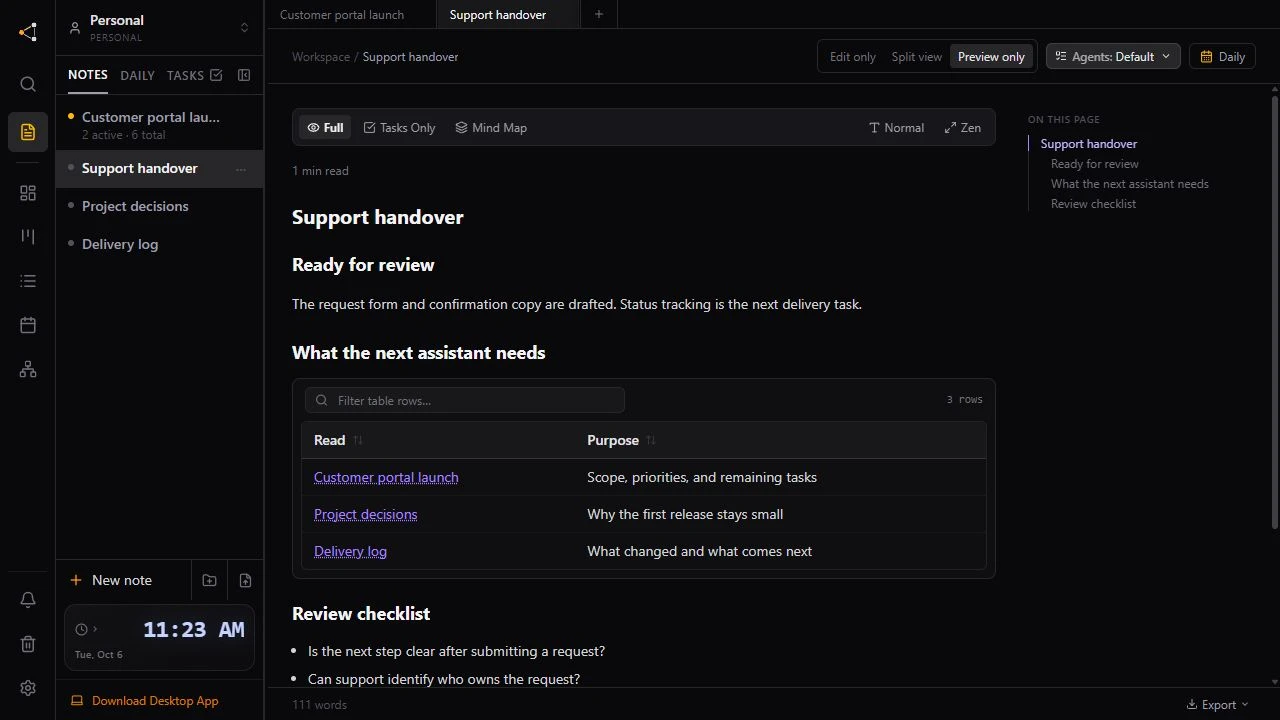
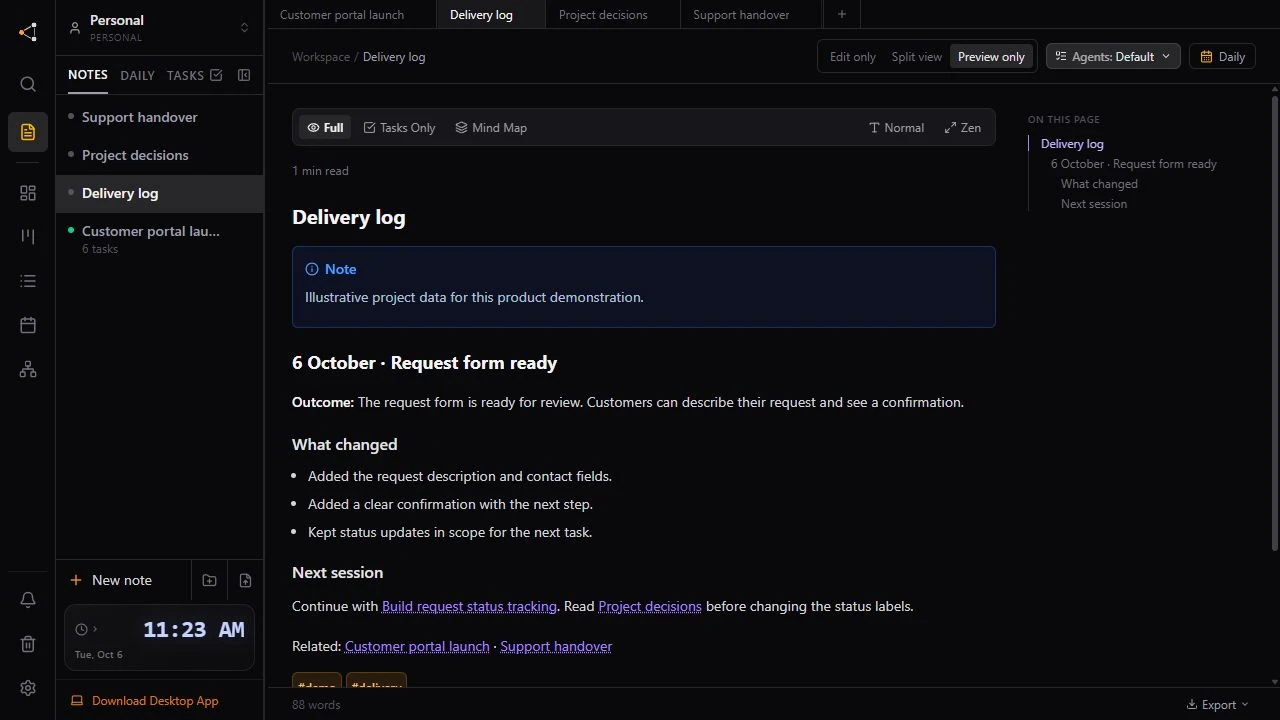
Create a delivery log and a decisions note, then link them from the brief. When work finishes, update its status and record the result. The task shows progress; the note explains what happened.
You can do this yourself or ask a connected AI assistant to help. The assistant needs a compatible MCP client and the appropriate workspace access. Task ownership coordinates who takes a task; it does not guarantee that two assistants will never edit the same external file.