Two assistants working at once can halve the wait or double the mess. Both pick up the same task. One changes how a page loads its data while the other is still building against the old version. Neither made a mistake on its own. Nobody told them who was doing what.
Knotpad keeps that answer in the workspace. Each connected assistant reads the same plan, claims a task before it starts and records what it finished. A claimed task leaves the open queue, so the next assistant looking for work does not see it. The examples use an illustrative customer portal project.
Split the plan by area
Give each assistant a part of the project that touches different things. Two assistants in separate areas rarely collide. Two in the same area collide however careful they are.
Keep one brief for the whole project and one note per area. Put shared decisions in the brief before either assistant starts:
# Customer portal launch

Status labels customers see: Received, In progress, Resolved.

- [[Request form]]: Assistant A
- [[Status page]]: Assistant B
If one area needs a change the other depends on, make it a task of its own in the brief, not a side effect of someone else's work.
Claim a task before starting
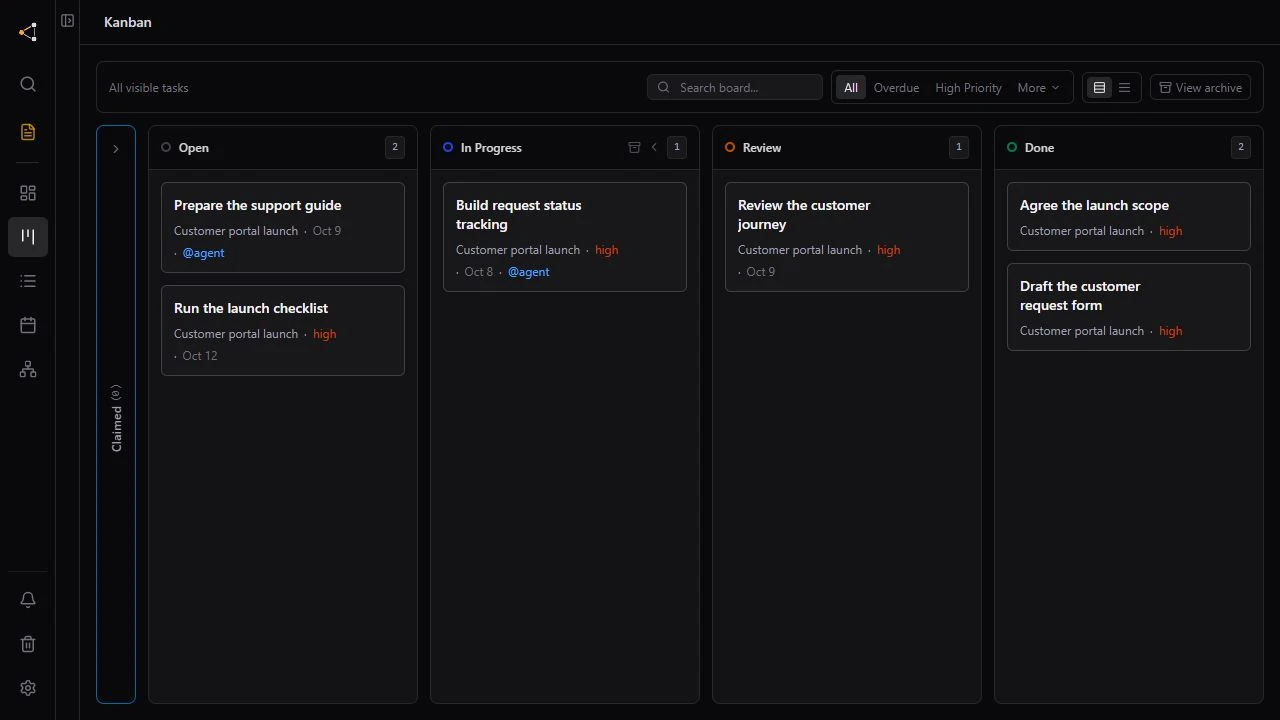
Ask each assistant to claim a task before it touches anything. Only an open, unclaimed task can be claimed, so two assistants cannot take the same one: the second finds it taken and picks another. The board and the task detail show which assistant holds each claimed task.
A useful opening instruction:
Read the Customer portal launch brief. Work only on tasks in the Status page note. Claim a task before you start and move it to In Progress while you work. If you stop before it is finished, release it with a reason.
Plan for a session that stops halfway
Sessions end without warning: a context limit, a closed laptop, a lost connection. A claimed task with no update for 4 hours goes back to the open queue, and the workspace owner gets a notification. Tasks already in Review keep their claim, so finished work waiting for you is not reopened.
Leave results where the other can read them
Assistant B cannot see Assistant A's chat. It can read what A wrote down. Ask each assistant to append a short entry to the delivery log when it finishes a task: what changed, what the other area needs to know and what is still open.
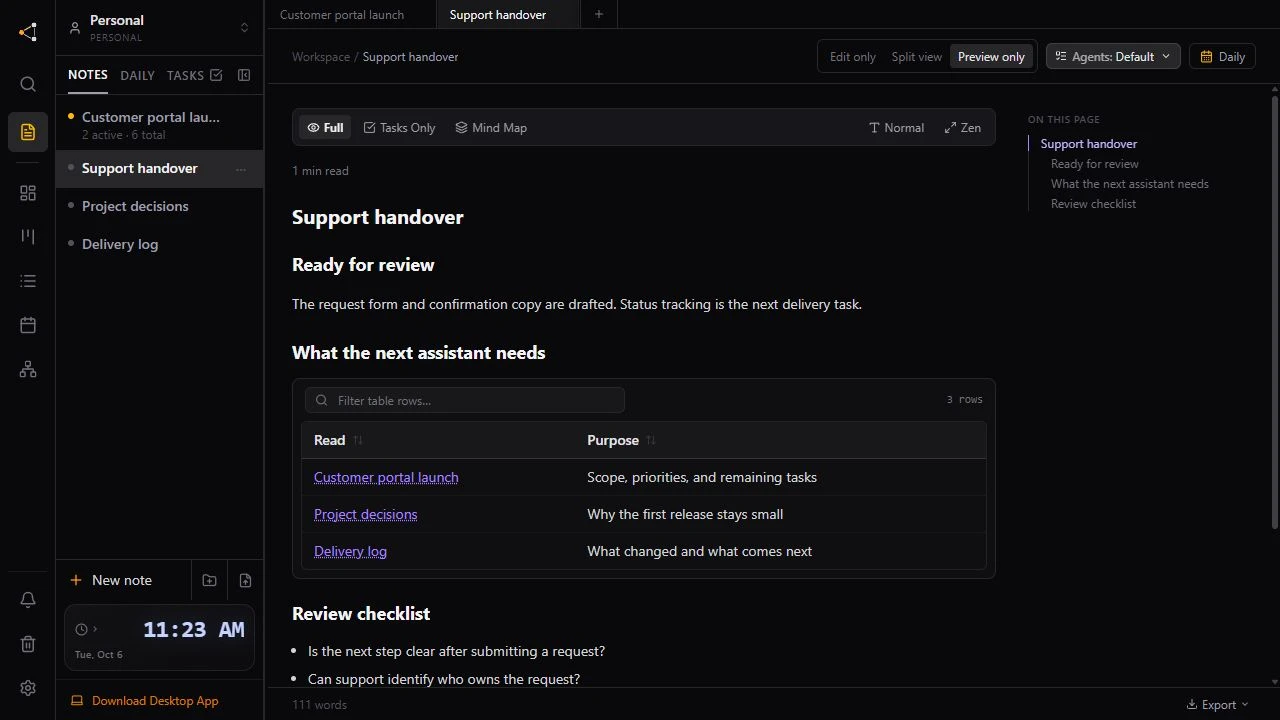
Each project folder also has a handoff page that the assistant keeps current: where the work stands, what to read first and what comes next. A new session reads it before anything else. If two assistants rewrite it at the same time, the second is shown the newer page to merge instead of overwriting it.
Know what a claim does not cover
- A claim coordinates tasks in Knotpad. It does not lock files in your editor. If both assistants change the same code, give each its own branch or git worktree and merge through review.
- Claims belong to the account an assistant connects with. Two sessions signed in as you share the same claims, so the split by note matters more than the claim. In a Team workspace, each person's assistant holds its own claims and cannot move a task someone else claimed.
Check the halves together
Two finished halves do not prove the whole works. Keep one task in the brief for checking them together, such as “Submit a request and see it on the status page”, and leave it for yourself or a reviewing assistant. Check an assistant's work before it is marked done, or connect your assistant to start.