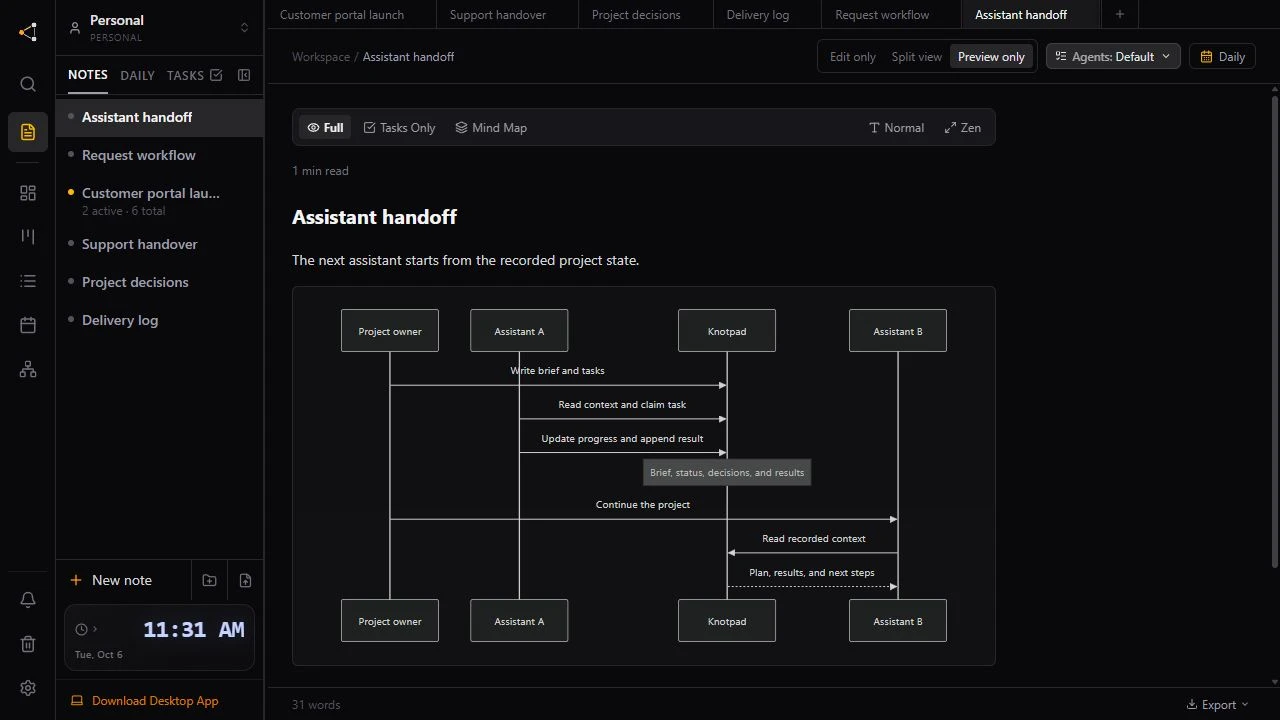
An assistant that reports “done, tests pass” is making a claim. Sometimes the tests never ran. Sometimes one side of the change was updated and the other was not. If the task is ticked off at that point, the gap turns up later, often in front of a customer.
Knotpad gives that claim a place to wait. A connected assistant moves a finished task to Review and attaches what shows the work is done. You check it and decide when the task moves to Done. The examples use an illustrative customer portal project.
Write the check into the task
A vague task gets a vague “done”. Under each task, say what a person would see if it worked:
## Customer access

- [ ] Check customers see only their own requests !high

Done when: a second test customer gets “not found”
on the first customer's request link.
The assistant reads the same note, so it knows what it has to show before it reports back.
Make the assistant stop at Review
By default, an assistant can move its own task straight to Done. To change that, open Settings, then Statuses & Priorities, and tick Agents can't skip this stage on the Review column. An assistant that tries to jump from In Progress to Done is refused and told to move the task to Review first. You can still move any task yourself.
The setting is on every plan, in the desktop app and on the web. It also applies when an assistant closes a list of tasks in one step: a task that would skip Review is reported back, not closed.
Keep the last step for a person
Review stops the jump, but an assistant can still move a task from Review to Done on its next step. If only a person should approve finished work, add a column such as Verified between Review and Done and tick Agents can't skip this stage on it too. A new column is for people only by default, so the assistant leaves the task in Review and tells you it is ready for Verified.
Ask for evidence, not a summary
When an assistant moves a task to Review or Done, it can attach one line of evidence: a commit, a file, a pull request or the check it ran. Knotpad records it in the task's Activity list next to the status change, so you can see why a task moved without scrolling back through the chat.
Put the request in your instructions:
Move each task you finish to Review, not Done. Attach evidence: the commit or file that changed and the check you ran. Only report a check as passed if you ran it in this session.
Write down what is still unverified
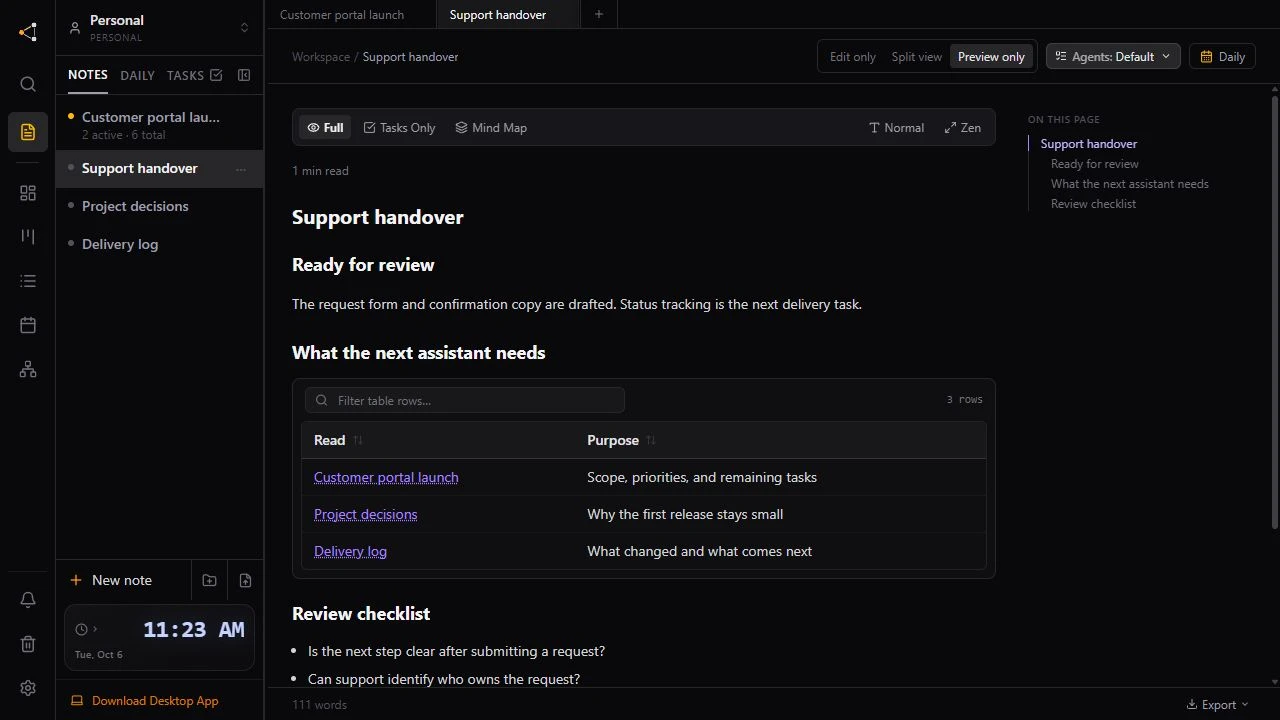
Part of a result can stay unconfirmed after the task is finished. Ask the assistant to record that on its own line in the delivery log, where it cannot get lost in a paragraph:
## Customer access check

Checked: a second test customer gets “not found”.
Not yet verified: email links, no test inbox yet.
Use a second assistant as the reviewer
The assistant that made the change also wrote the report about it. For work that matters, start a fresh session or connect a different assistant, and ask it to check the work in Review without changing anything:
Read the tasks in Review for this project and the delivery log. Check each piece of evidence against the code or the running page. Report what holds and what does not. Do not change files or task statuses.
On Personal Pro and Team Pro, an assistant can also run a risk check that lists work stuck in Review.
What Knotpad does not do
Knotpad does not run your tests or read your code. The evidence is what the assistant reports, and Review is where you or a second assistant check it. Record the result in your project documentation, or connect your assistant to start.