Claude Code is good at a task once you hand it one. The work around the task is harder: which one comes next, whether another session already started it, and how it tells you it is waiting on your answer. A TODO.md file has no owner or status, so two sessions can start the same item and neither says when it is stuck.
This post sets up a board Claude Code works from directly. The tasks live in your notes, the board shows where each one stands, and Claude Code moves them as it works. The example is a fictional invoice export feature.
Write the tasks where the plan is
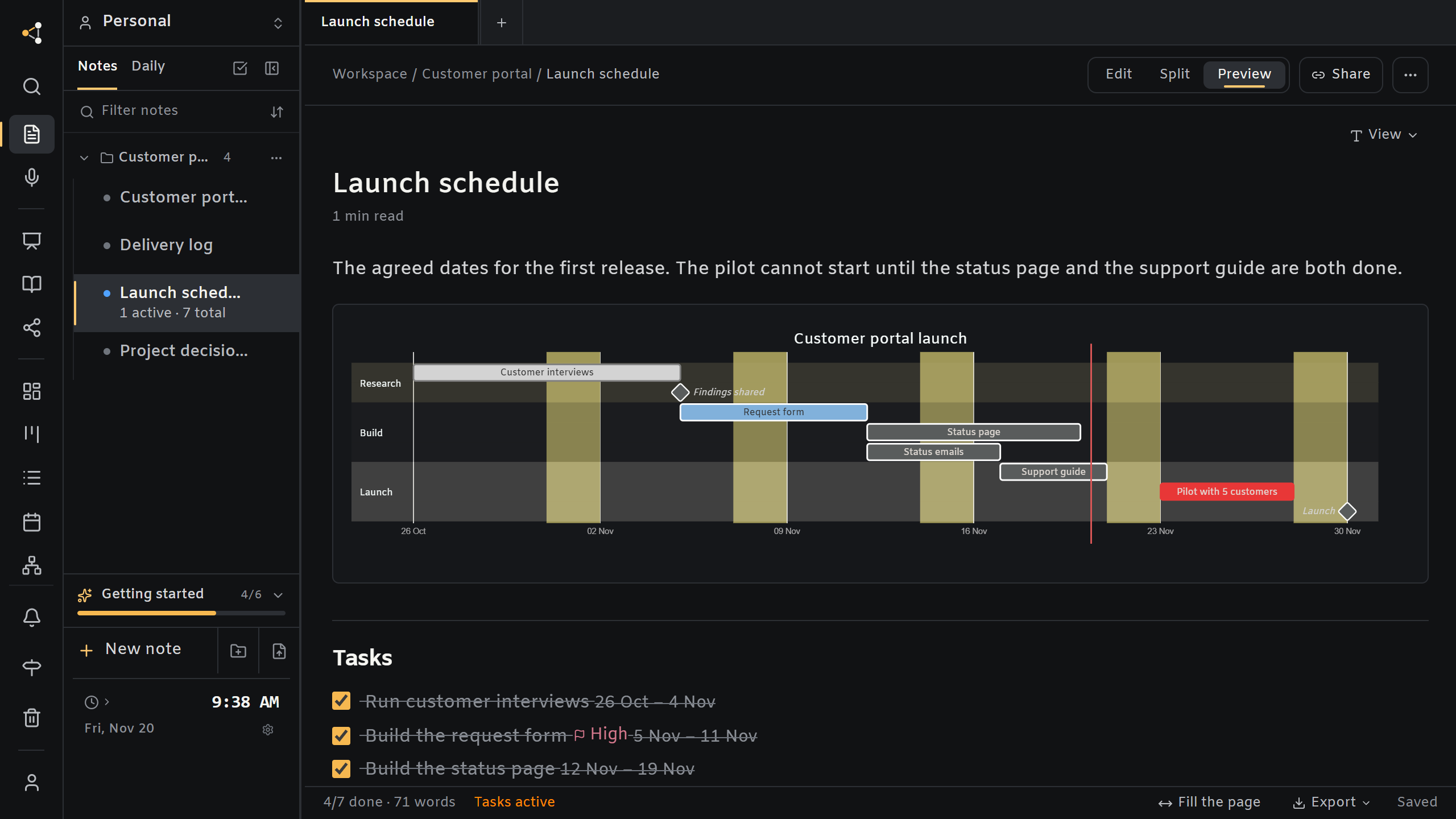
In Knotpad, a checkbox line in a note is a tracked task. Mark the ones an assistant may pick up with @agent, and add a priority and a date:
- [ ] CSV export endpoint and tests @agent !high 2026-11-27
- [ ] Pick the three pilot teams @aisyah 2026-11-28
The plan keeps its context: the goal at the top, the tasks under headings, and the reasons beside them.
Let Claude Code take the next one
Connected over MCP, Claude Code asks Knotpad for the open @agent tasks, claims one and moves it as it works. A claimed task leaves the open list, so a second session, or Cursor working beside it, picks something else. A task assigned to a person stays with that person: an assistant takes it only when you tell it to.
| Stage | Who moves the task there |
|---|---|
| Open | You, by writing the task line |
| Claimed | The assistant, before it starts |
| In Progress | The assistant, while it works |
| Review | The assistant, when it thinks the task is done |
| Done | You, after checking. A workspace can make Review required, so no task skips it |
A prompt to start a session with:
Read the Knotpad overview for Invoice export. Claim the highest priority open @agent task, tell me your plan, then work on it. Move it to Review when the tests pass, and add an entry to the delivery log.
Answer its questions on the card
When Claude Code reaches a choice that is yours, such as the order of the CSV columns, it leaves a decision card in the plan with the options and its recommendation, and moves on to other work. You pick an option in the note. The next session reads your answer and carries on.
What it does not do
- A claim does not lock files. Two assistants can still edit the same file if their tasks overlap, so split tasks along file lines.
- It does not start Claude Code. You start the session; Knotpad tells it what is next.
- The board shows what assistants record. A session that ends without updating its task leaves the card where it was.
- Connection depends on the computer. On Windows the free app connects Claude Code locally. Elsewhere, the cloud server is part of Pro.
For the review step in detail, read Check an AI assistant's work before the task is marked done. To run two assistants at once, read Run two AI assistants on one project without doubling up. Or download Knotpad and write your first @agent task.