Every new chat with an AI assistant starts empty, and so does a long session once it has been compacted. It can read your code and the rules file it loads, but it does not know what you decided yesterday, what is half finished, or which approach you already tried and dropped. So you explain it again, and again the session after that.
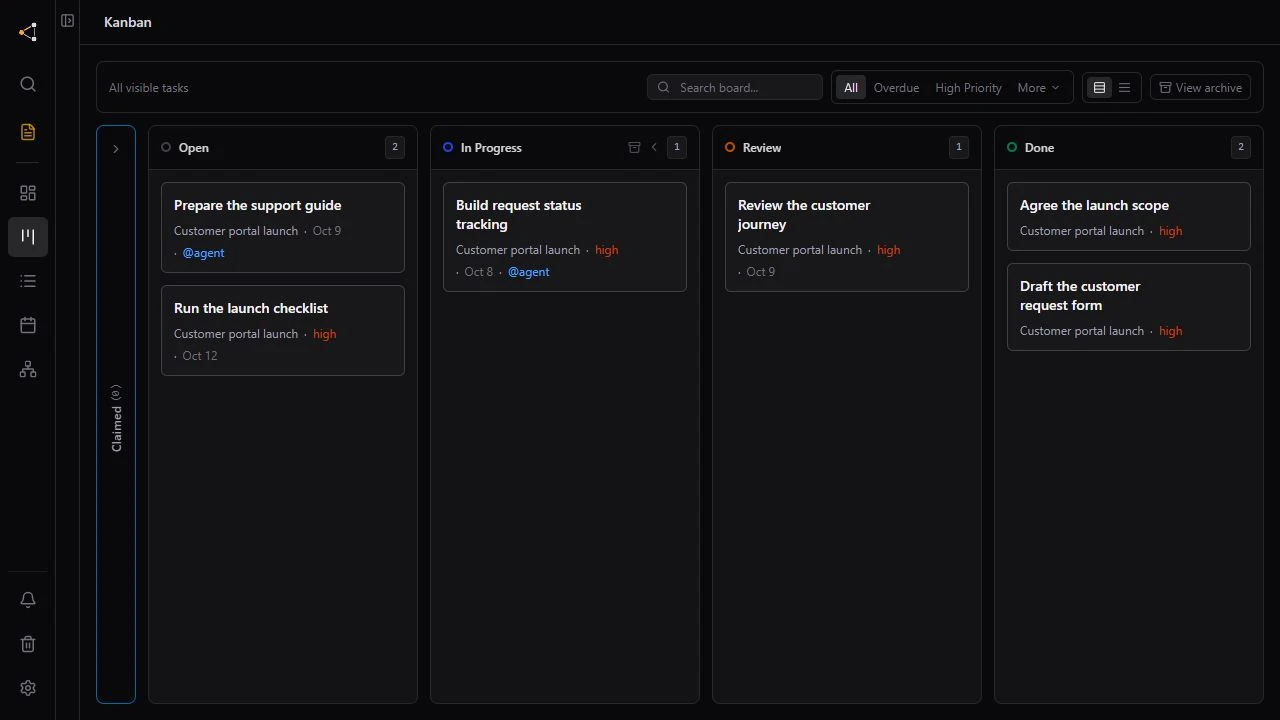
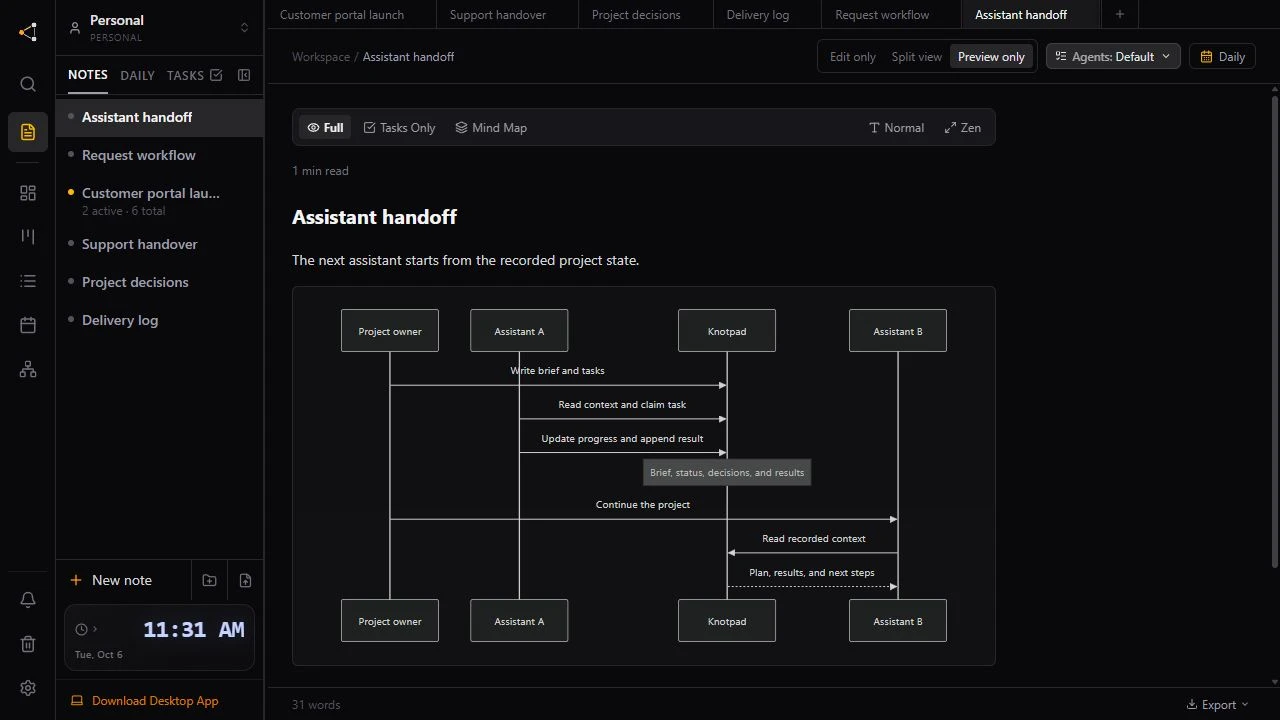
Knotpad keeps that state where a connected assistant can read it. Each project folder has a short handoff page that says where the work stands, what to read first and what comes next. The assistant reads it when a session starts and rewrites it before the session ends. The examples use an illustrative customer portal project.
Keep rules and progress apart
Files like CLAUDE.md or AGENTS.md suit standing rules. Coding tools load them at the start of every session, so each line costs you every time, and a progress log kept there grows long and goes stale. Split it by how often it changes:
- In your rules file: build and test commands, conventions, things never to do. These change rarely.
- In Knotpad: what is done, what is half finished, decisions with their reasons, and the next task. These change every session.
Give each project one handoff page
The handoff page belongs to the assistant. It covers the next step, what to read first, what it is waiting on you for and what to watch out for. It links to notes instead of copying them, so it stays short: it holds up to 8,000 characters and no tasks. You can open it from the folder's menu and edit it yourself.
## Next step
Build the request status page. Start with the empty state.

## Read first
[[Release scope]] for the checks, [[Project decisions]] for the labels.

## Waiting on you
Pick the wording for the Resolved label.

## Watch out
Customers must only see their own requests.
If two sessions rewrite the page at the same time, the second is shown the newer version to merge instead of overwriting it.
Start from the project, not from memory
Knotpad's connection tells the assistant to open each session with an overview of the workspace, ranked against what you asked for. Each top note comes back with its summary, its latest section and its next open tasks, so a request like “carry on where we left off” can often be answered before any note is opened in full.
Clients that pass a connection's instructions to the model do this without being asked. If yours does not, add one line to your rules file:
At the start of a session, read the Knotpad overview and this project's handoff page before planning anything.
End the session by writing it down
A handoff page only helps if it is current. Before you close a session, ask for the update:
Rewrite the handoff page for this project: the next step, what to read first, what you need from me and what to watch out for. Update the summary at the top of each note you changed.
Each note can open with a short summary: what it is, where it stands and what is next. That summary can be rewritten even on a note the assistant may only add to, and the previous one moves to the bottom of the note, so nothing is lost.
What this does not do
Knotpad does not read your chat history or carry it between sessions. The next session knows what the last one wrote down, so a session that ends without updating the handoff page leaves nothing new behind. Reading the overview and the handoff page also uses part of the context window, which is why both are kept short.
Hand the project to a different assistant, or connect your assistant to start.